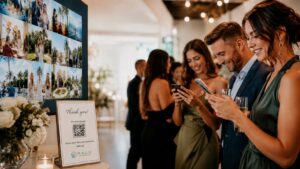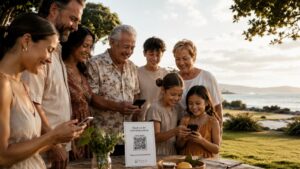
Wedding QR codes have become one of the simplest ways to connect guests with important information. Couples use them for RSVPs, menus, directions, registries, seating details, and wedding websites. But one of the most useful ways to use a wedding QR code is for guest photo and video sharing.
Instead of relying on hashtags, text messages, or shared folders, couples can display one QR code that leads guests to a custom upload page. With Nalu Moments, guests scan the code and add the photos and videos they capture throughout the celebration. The result is a shared wedding gallery filled with candid perspectives from the people who were actually there.
What is a wedding QR code for photos?
A wedding QR code for photos is a scannable code that opens a digital event page where guests can upload pictures and videos. The couple can place the code on signs, table cards, programs, invitations, or a wedding website. Guests use their phone camera to scan the code and follow the upload instructions.
The concept is simple, but the impact can be significant. Instead of asking people to remember a link or search for a folder, the couple gives everyone an instant path to share.
Why QR codes work so well at weddings
Weddings are busy. Guests are moving between the ceremony, cocktail hour, dinner, dancing, and conversations. They may not remember a complicated link or hashtag. A QR code removes that friction because it turns sharing into a quick action.
QR codes are also familiar now. Many people use them at restaurants, events, payment kiosks, and check-ins. That familiarity helps guests feel comfortable scanning at a wedding. When the code is paired with clear wording, participation becomes natural.
Better than asking for texts later
Texting photos after the wedding sounds easy, but it creates a messy collection process. Photos arrive in different threads, different sizes, and different formats. Videos may fail to send or lose quality. The couple has to download, organize, and remember who sent what.
A wedding QR code gallery centralizes everything. Guests upload to one place. The couple does not need to manage dozens of individual messages. That organization saves time and helps preserve more content.
Better than a hashtag alone
Wedding hashtags can be fun, but they have limitations. Guests must post publicly, spell the hashtag correctly, and use a specific social platform. Private accounts may prevent the couple from seeing posts. Stories can disappear. Some guests may not want to post wedding photos publicly at all.
A QR code photo gallery gives guests a more direct option. They can share with the couple without posting to social media. This is especially helpful for private weddings, family events, and couples who want a central archive instead of scattered public posts.
Better than disposable cameras
Disposable cameras capture candid photos, but they do not capture video, they require development, and the quality is unpredictable. A QR code lets guests use their own phone cameras, which are usually better in low light and easier to use. Guests can upload photos and videos right away, and the couple does not have to wait for film.
The QR code approach preserves the same spirit of guest participation while using better tools.
How to design a wedding QR code sign
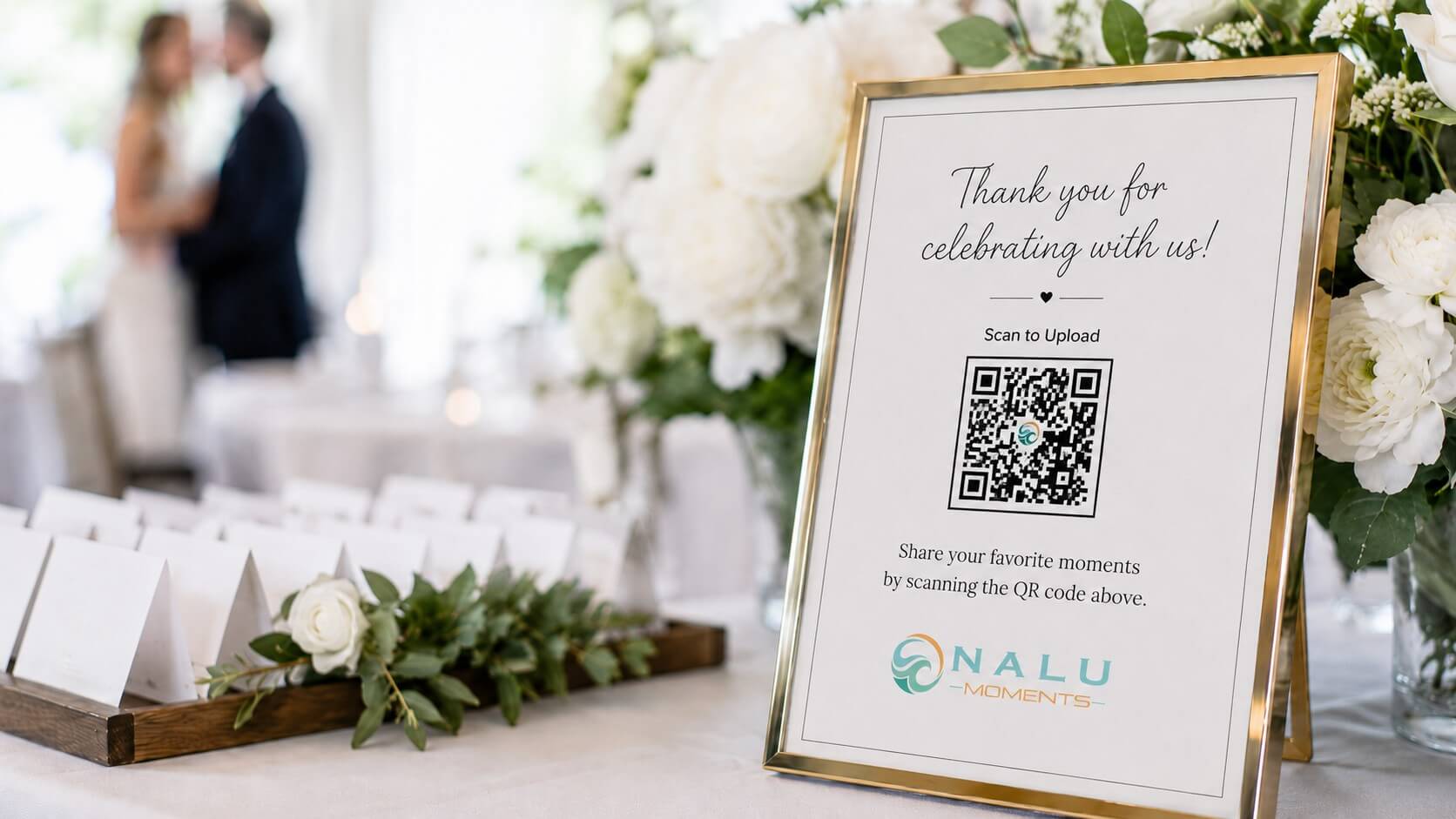
A good sign should match the wedding style and make the request feel warm. The QR code itself should be large enough to scan easily. Leave enough white space around it, avoid placing it too low, and test it from different angles before the event begins.
Suggested wording:
“Help us see the day through your eyes. Scan to upload photos and videos.”
“Share the moments you capture today. Scan here for our wedding gallery.”
“We would love your candid photos and videos. Scan to upload.”
The sign should not be cluttered. The QR code and the instruction should be the focus.
Where to place the QR code
Place the QR code where guests will notice it. Strong locations include the welcome table, ceremony entrance, bar, seating chart, guest book table, gift table, photo booth area, and reception tables. For larger weddings, use multiple signs so guests see the code more than once.
Table cards work especially well because guests often take photos while seated. A small card can remind them to upload before dinner, during speeches, or after they capture group photos.
Use a custom landing page
The QR code is only the entry point. The landing page matters too. A custom Nalu Moments event page gives the wedding its own dedicated place for uploads. The page can be designed around the event and can include relevant details, branding, or social links when appropriate.
A custom page feels more intentional than a generic file folder. It also reassures guests that they are uploading to the right place.
How to increase guest participation
The best way to increase participation is to combine visibility with reminders. Display the QR code in multiple places, include a short announcement, and send a next-day follow-up. You can also give guests prompts such as:
- Best dance floor moment
- Favorite table photo
- Funniest candid
- Sweetest family moment
- Favorite detail or decor photo
- Short video message for the couple
Prompts make the experience feel playful and help guests understand what to share.
Protecting the memories after the wedding
Once guests upload their content, the couple has a shared collection that can be reviewed and saved. These photos and videos can be used for thank-you posts, anniversary memories, recap videos, and family sharing. The gallery becomes a digital keepsake that captures the atmosphere of the wedding beyond the professional portraits.
For couples who want a complete memory of the day, the QR code becomes one of the most useful details in the wedding plan.
FAQ
Can we put a QR code on wedding invitations?
Yes, but for photo uploads, signs and table cards at the event usually work best. Invitations are better for RSVPs or wedding website links.
How big should a wedding QR code be?
Make it large enough to scan easily from a comfortable distance. Always test it on multiple phones before printing.
Do guests need to download anything?
With Nalu Moments, guests can access the event page through the QR code and upload from their phones without downloading an app.
Can we use the same QR code for multiple wedding events?
Yes. This can work well for welcome parties, rehearsal dinners, ceremonies, receptions, and farewell brunches when you want everything in one collection.
A wedding QR code is small, but it can collect some of the biggest memories. Use Nalu Moments to give every guest an easy way to share the day from their perspective.